mybina DASHBOARD
Type:
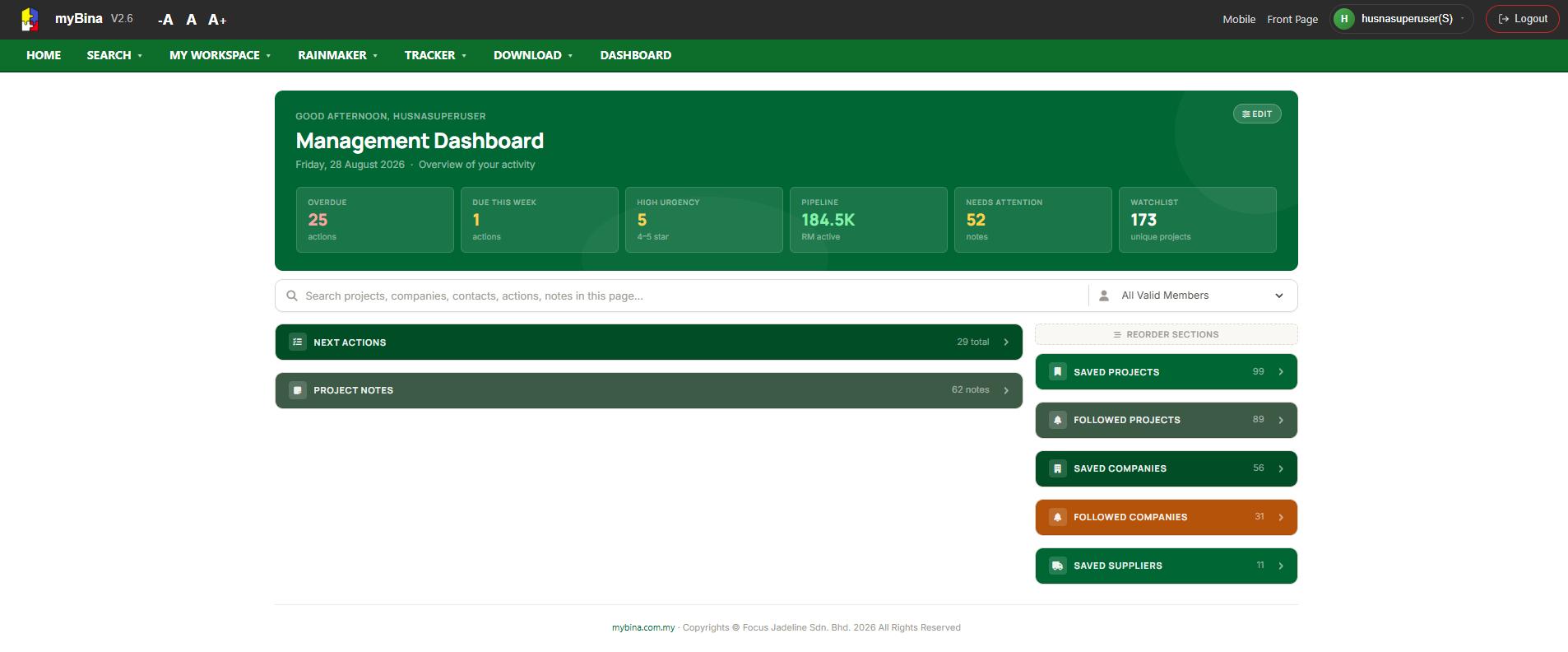
Everything You Need, All in One Dashboard
Accessing your Dashboard is easy — simply click Dashboard from the navigation menu.
Designed as your central hub, the Dashboard brings together all the important information and activities you need in one convenient place, including:
-
Next Actions
-
Project Notes
-
Saved Projects
-
Followed Projects
-
Saved Companies
-
Followed Companies
-
Saved Suppliers
No more jumping from one page to another. The Dashboard lets you view, manage, and keep track of everything in one place, making it faster and easier to stay organised and keep up with your activities.
One Dashboard. Everything you need, right at your fingertips.