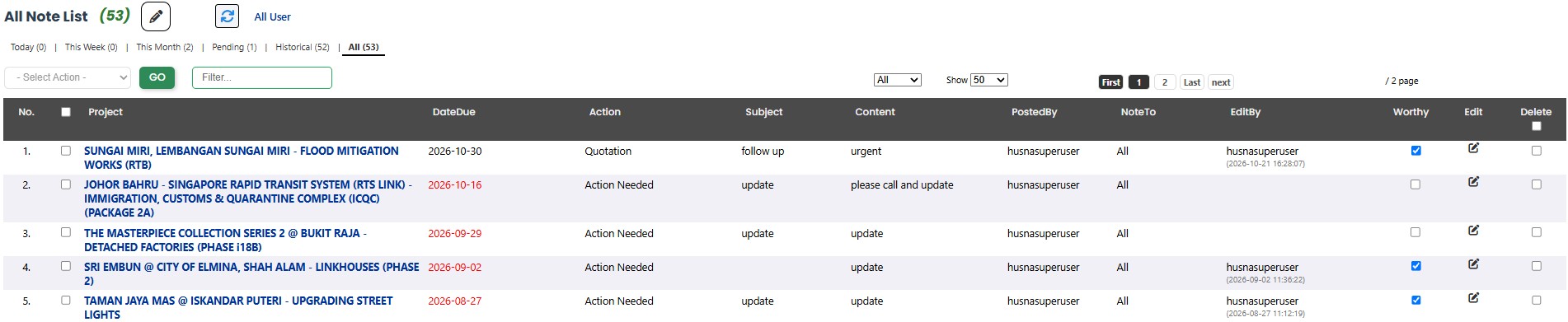
There are a few ways to track your sales and marketing activities. It actually depends on your own fancy. If you prefer to follow a project, then using "Notes" is a good option, because they are linked to projects. But if you prefer to track a company, then the "To Do" module is the better option.
This blog post is for using Notes, ie by tracking Projects.
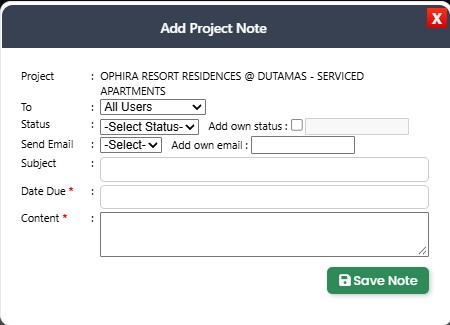
Just click the pencil icon in the table column, and the popup shown above will appear. Enter all the details. You can view your saved notes under My Workspace → All Notes.